url-logger Claude Code Plugin
A Claude Code plugin that logs all WebSearch and WebFetch URLs to .claude/web-access.log, with session IDs and timestamps.
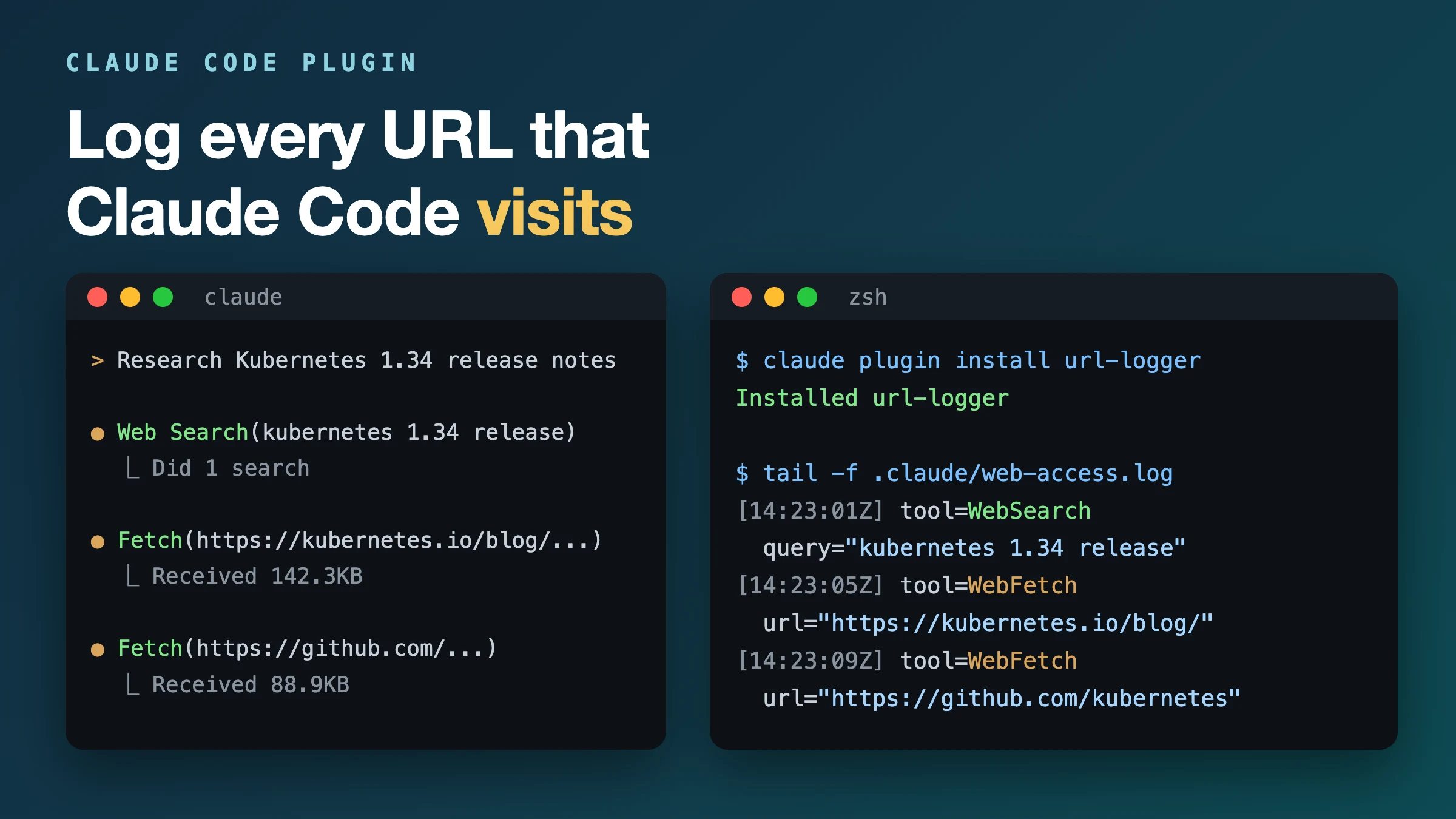
Demo
Why
When you do research or ask Claude Code CLI to search the Internet, it opens many websites. I wanted a way to log all those URLs in a log file.
Claude Code has no setting for this. Claude stores session history in JSONL files, which can contain URLs. But those URLs are mixed with a lot of other information, and they are spread across several session files.
The next option was a hook. But Claude Code’s /hookify cannot write log files; it can only show a warning in the Claude session. This was the perfect use case to build my own hook and publish it as a plugin.
Install
Run these two commands:
# Add the marketplace (one-time)
claude plugin marketplace add vijaykodam/url-logger

# Install the plugin
claude plugin install url-logger
Restart Claude Code CLI after the install. The plugin starts to work only after the restart.
Log format
[2026-03-07T14:23:01Z] session=abc123 tool=WebSearch query="claude code plugins"
[2026-03-07T14:23:05Z] session=abc123 tool=WebFetch url="https://example.com/docs"
By default, the plugin writes the log to .claude/web-access.log in your working directory. To use one log for all projects, set URL_LOGGER_PATH:
export URL_LOGGER_PATH=~/.claude/web-access.log
The plugin uses a Claude Code PreToolUse hook. It works only in Claude Code CLI, not in Claude.ai or the Claude Desktop app.